
Manage Trips
Create and manage your trips with ease. Invite friends, set up routes, and coordinate meetups—all in one place. Accept or decline invites, recreate trips from favorites, and view trip history.
Soon to be released, stay tuned!
Plan legendary cruises, invite your crew, and watch everyone appear on the live map as you navigate through your favorite roads. Organize routes, fuel stops, photos, and chat—all in one place. Free to sign up with limited features. Available on iOS with expected Android release soon.

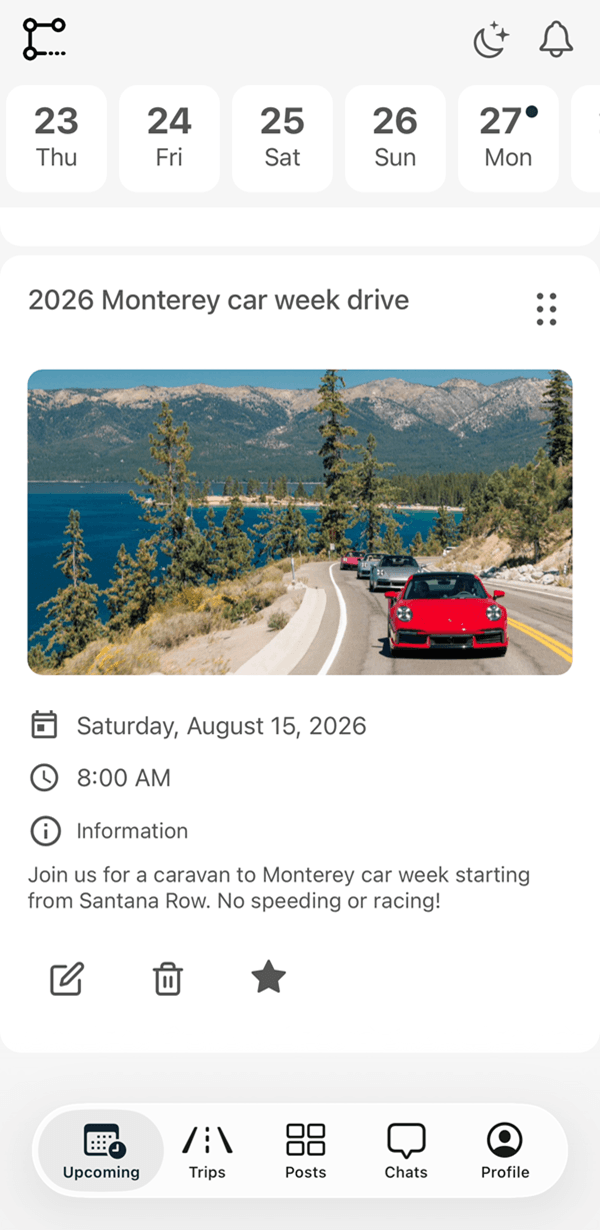
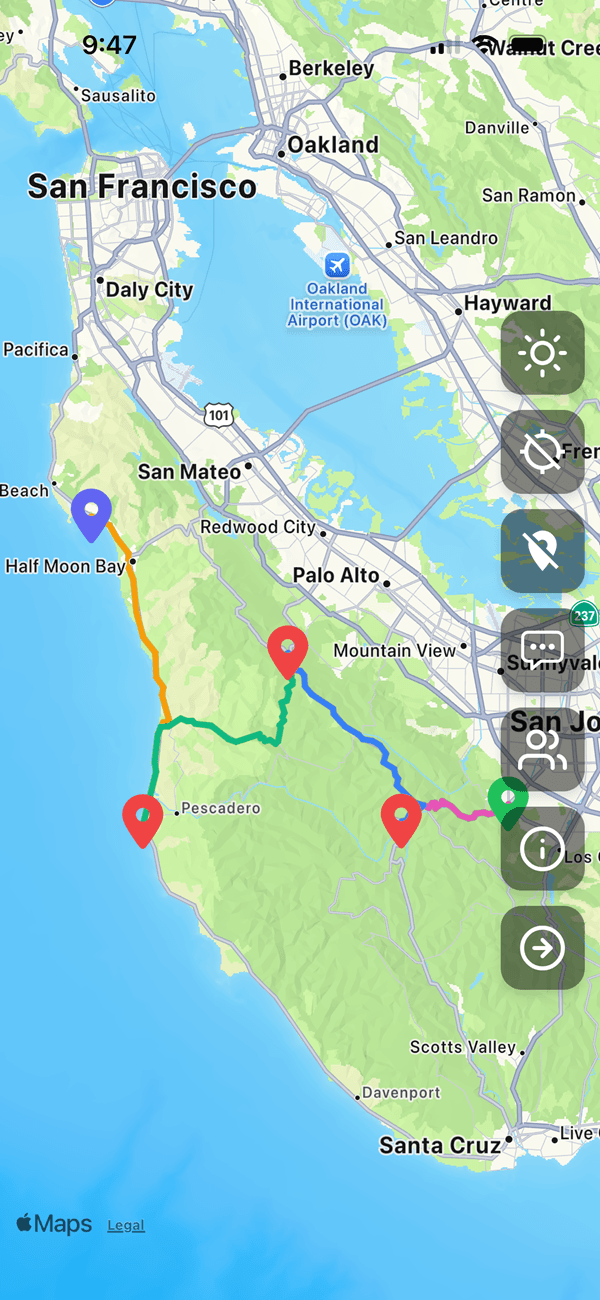
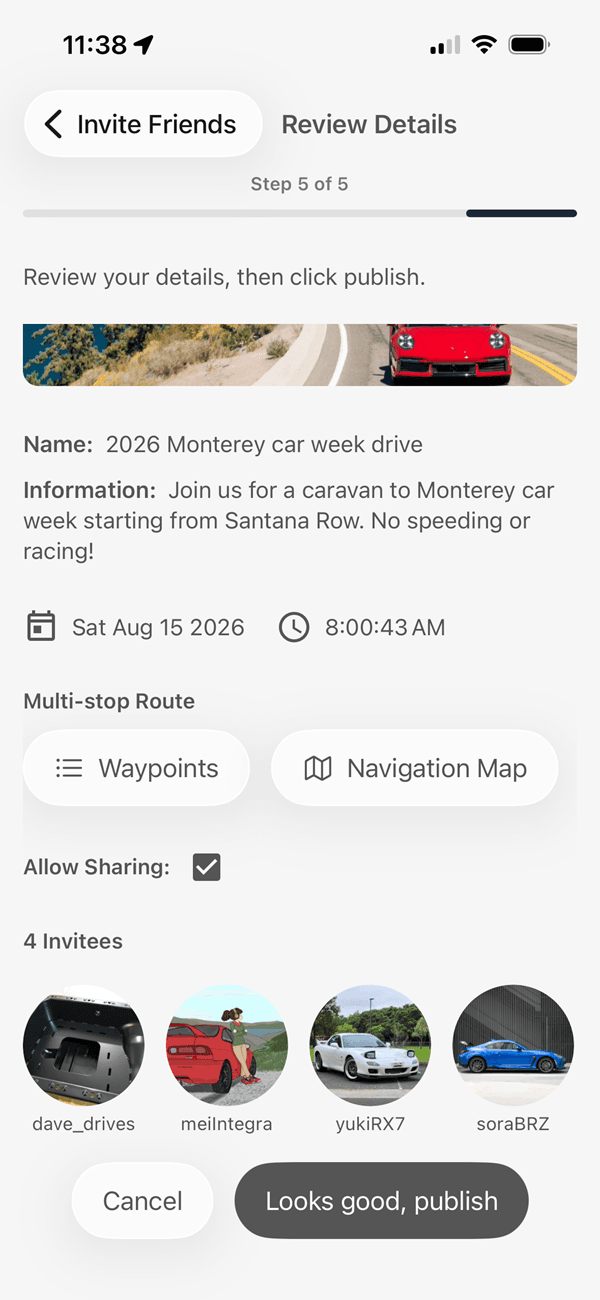
Follow these simple steps to create your trip and share it with others.
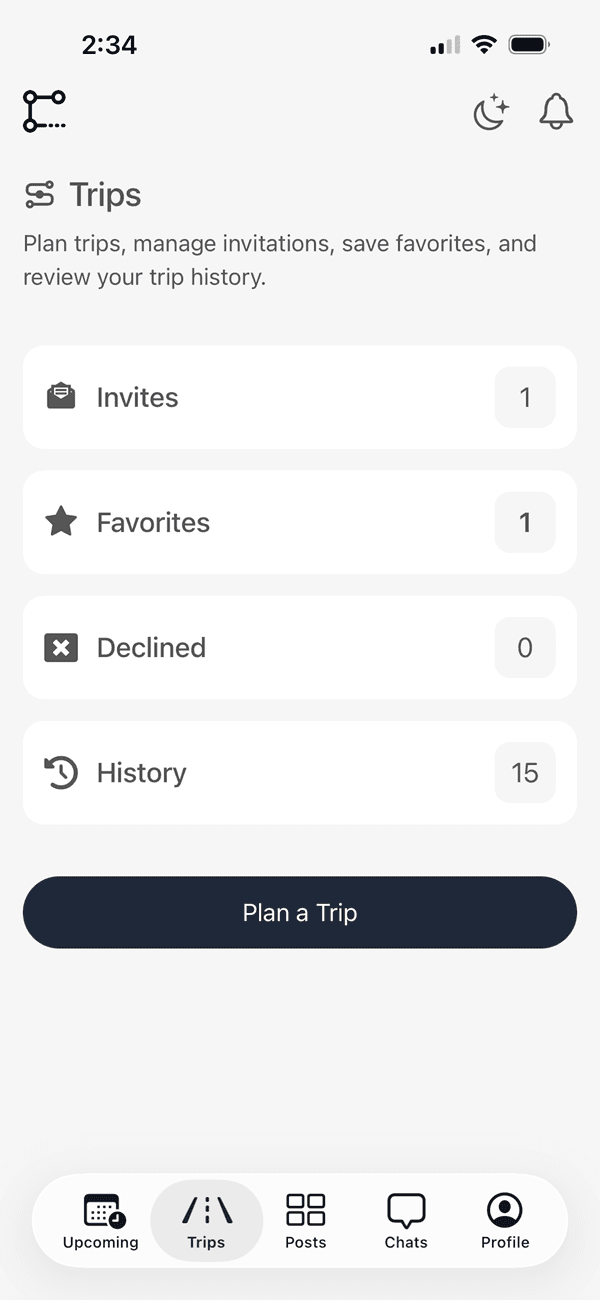
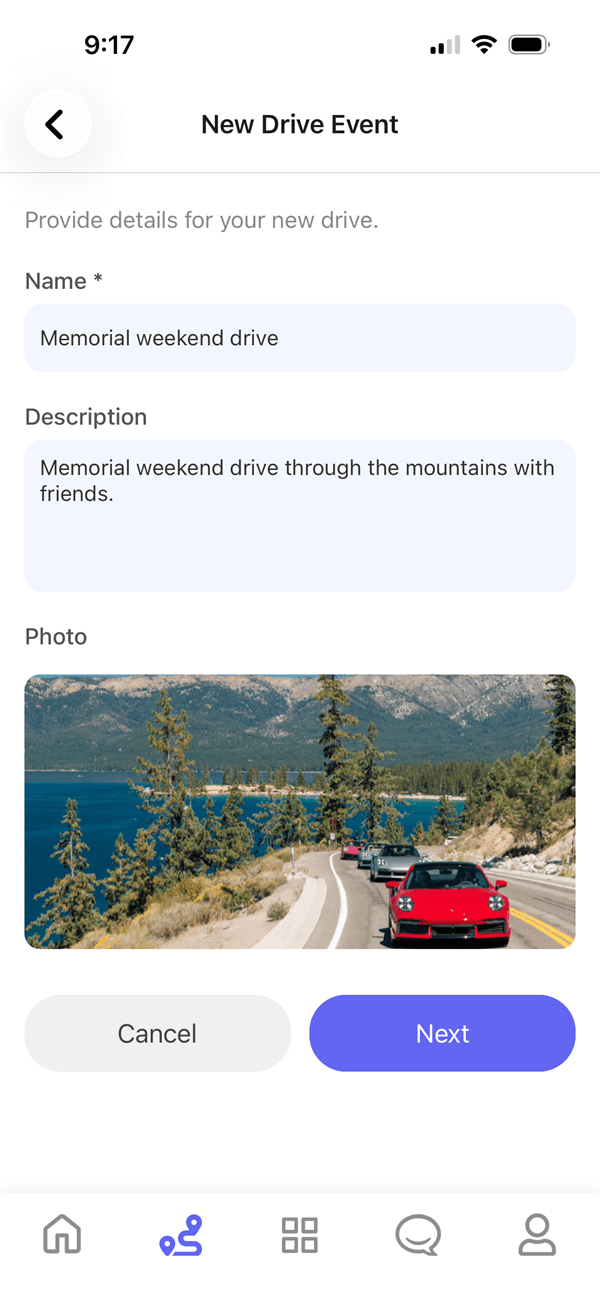
Manage trips, connect with car and motorcycle enthusiasts, and explore posts—everything you need for your back roads adventure
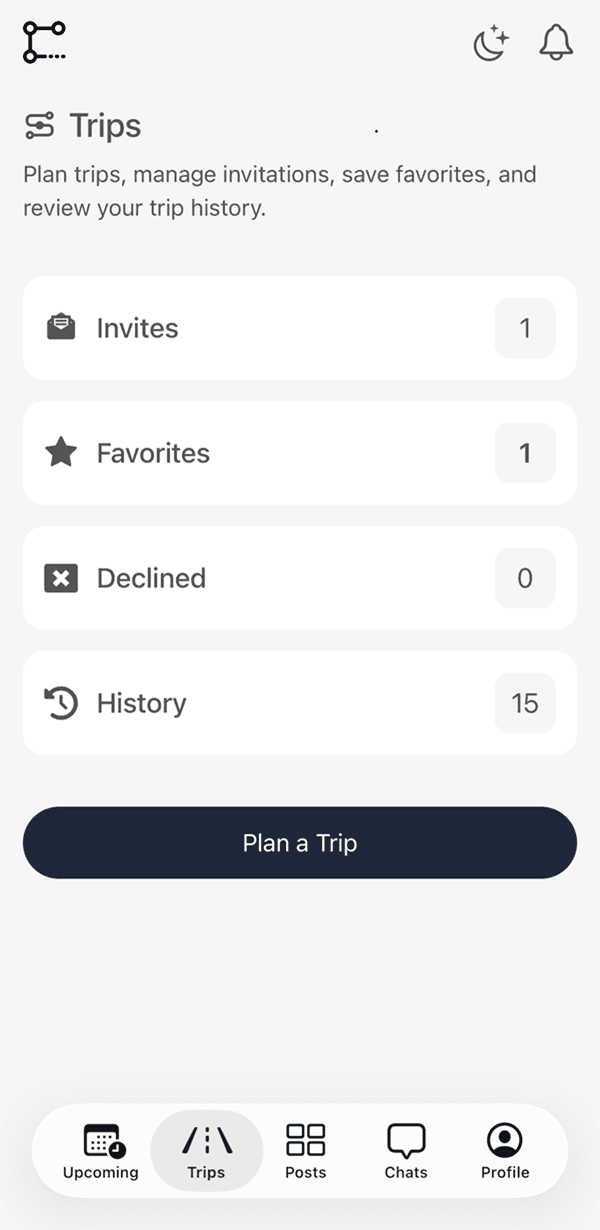
Create and manage your trips with ease. Invite friends, set up routes, and coordinate meetups—all in one place. Accept or decline invites, recreate trips from favorites, and view trip history.
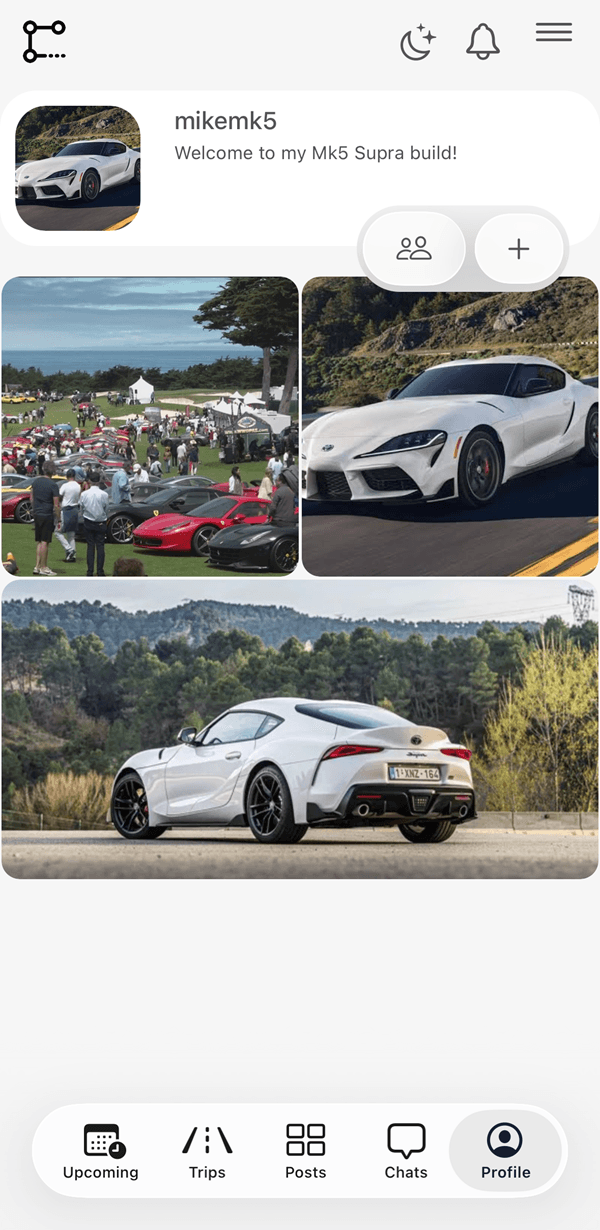
Post photos or videos to your profile, DM drivers, and coordinate pre‑meet locations. Connect with other drivers and stay updated on their activities.
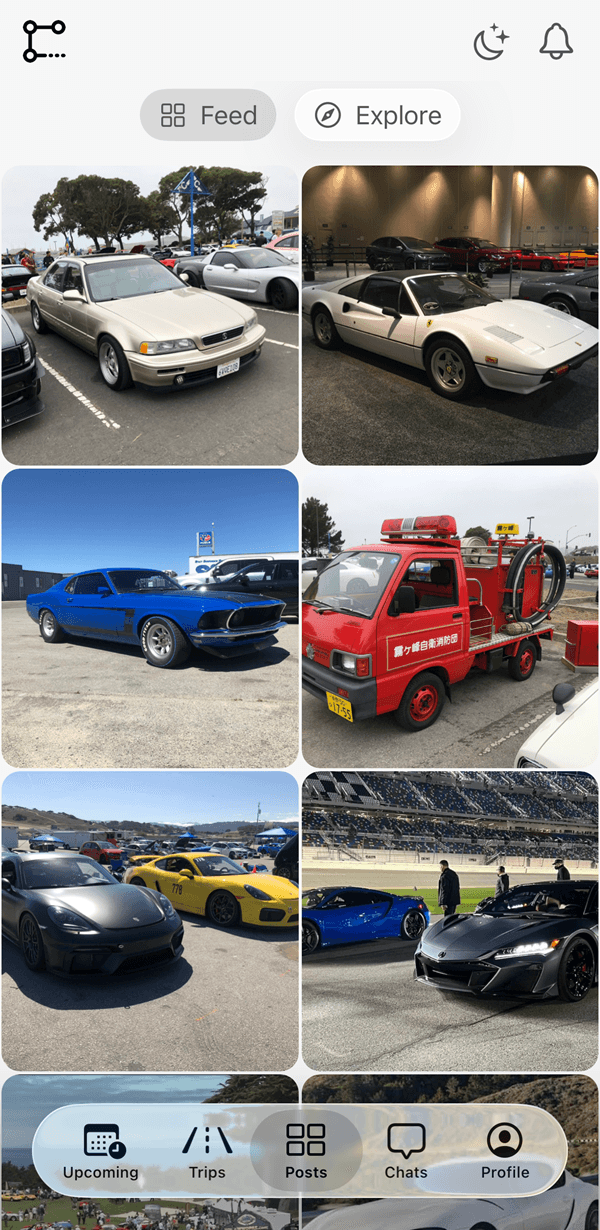
Check out the latest posts from the community. Like, comment, and share your favorite content. Stay inspired and connected with fellow car & motorcycle enthusiasts.
Join us today to start planning your local road trips with friends!